

dsh-launcher
[English](https://github.com/Ruler4396/dsh-launcher/blob/master/docs/README.en.md) · [简体中文](https://github.com/Ruler4396/dsh-launcher/blob/master/README.md)
[](https://github.com/Ruler4396/dsh-launcher/actions/workflows/build.yml)
[](https://github.com/Ruler4396/dsh-launcher/releases)
[](https://raw.githubusercontent.com/Ruler4396/dsh-launcher/master/LICENSE)
DeepSeek Harness 的 Windows 轻量启动器:双击即用,不用敲命令。
| 浅色模式 | 深色模式 |
|---|---|
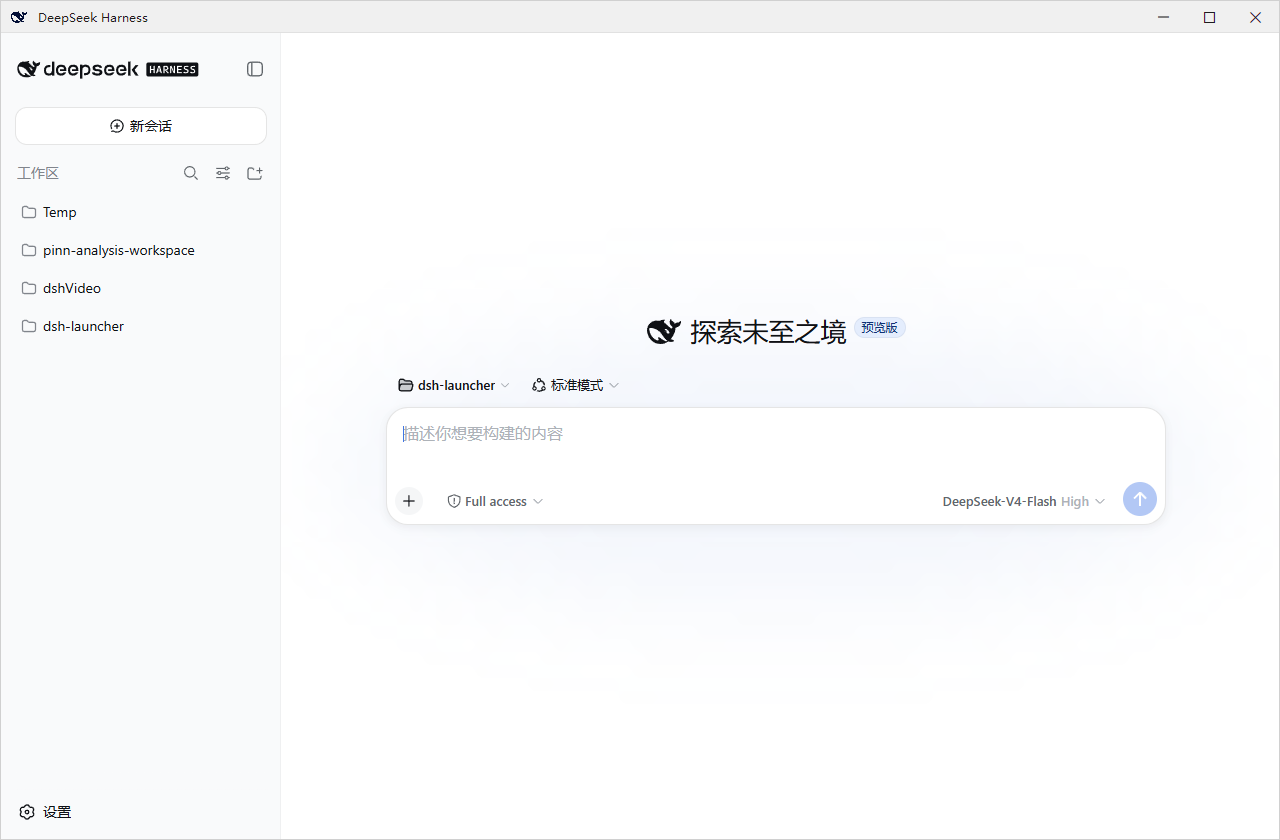 |
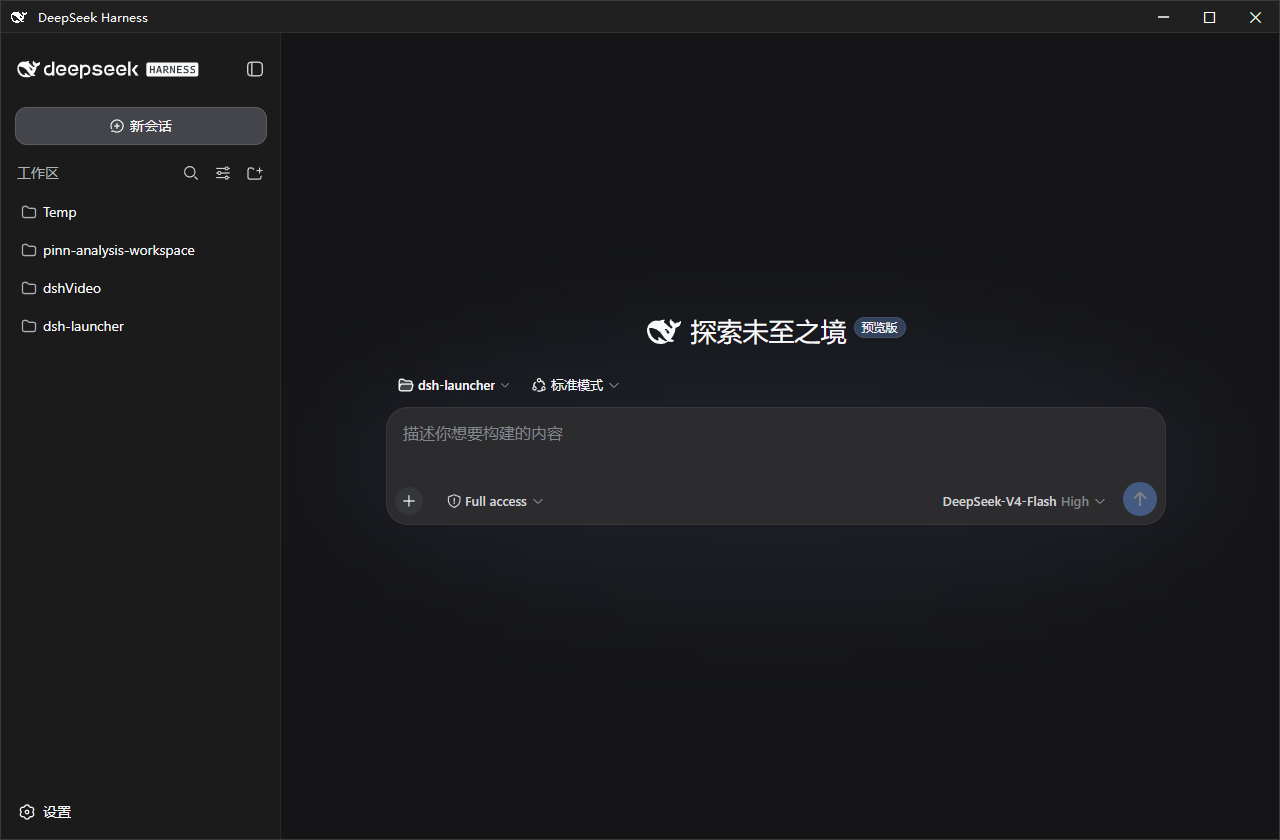 |
这是什么
一个 Windows 原生壳:双击启动 DeepSeek Harness(dsh)、可设置开机自启,高度重视服务生命周期与出错诊断。安装包大小仅为 ~1.4MB,不内置 dsh;缺失的依赖(Node.js 等)按需补齐,不改动系统环境。
克制:本项目意在打造一个舒适的 dsh 原版体验,不添加文件面板、内置终端等额外功能,一切交给dsh的插件,由用户自行决定。仅在推出安全性更新和dsh版本更新时弹出系统通知。
安装
MSI(推荐新手):从 Releases 下载 dsh-launcher-<版本>.msi,双击安装(向导里可勾选开机自启)。卸载:设置 → 应用 → dsh-launcher。
便携版 ZIP:下载 dsh-launcher-windows-<版本>.zip,解压后双击 DshWeb.exe;删文件夹即卸载。
双击没反应?先运行解压目录里的
check-prereq.cmd,它会检测 .NET / WebView2 / Node 并给出缺失项的安装命令。
特性
- 开机自启 · 独立小窗口(WebView2)· 自动拉起服务并等待就绪
- 出错弹窗带错误码,统一日志
~/.dsh\dsh-launcher\dsh.log DshWeb.exe --diagnose一键导出信息脱敏诊断包- 服务生命周期:跟随窗口 / 常驻 / 托盘驻留(见下"插件")
- 主题跟随 · 窗口位置记忆 · dsh 延迟更新(不打断会话)
配套插件
安装 dsh-launcher-lifetime 后,拥有三种node.js的驻留模式(随窗口驻留、常驻、随托盘驻留),可在 dsh 设置页“Node服务驻留”中切换:
dsh plugin --profile web add dsh-launcher-lifetime常见问题
- MSI 和 ZIP 有区别吗? 内容相同;MSI 有标准安装/卸载流程。
- 卸载会删 dsh 数据和插件吗? 不会——只清启动器自有数据,
profiles/、settings.yaml等原样保留。 - 服务占内存? dsh 是完整服务,必须常驻node.js。
- 端口 3080 被占用? 设置
DSH_WEB_PORT=3090后重启。 - 遇到问题? 运行
check-prereq.cmd;仍不行用DshWeb.exe --diagnose导出诊断包,提交至 Issue(模板)。日志在~/.dsh\dsh-launcher\dsh.log。
更多
技术实现 / 安全 / 构建:docs/DETAILS.md · 更新日志:CHANGELOG.md
免责声明
独立的第三方工具,与 DeepSeek / DeepSeek AI 官方无关。窗口图标使用 DeepSeek 品牌标识,版权归 DeepSeek 所有。
许可证
MIT © dsh-launcher contributors
友情链接
[](https://www.dsh.so/artifact/dsh-launcher/)
[](https://whyihaveyou.github.io/dsh-suite/)